How it works
Four seamless steps to bring your collection home to Selara Sommelier.
Step 1
Import what you already own
Selara Sommelier makes it easy for you to upload your collection, and to add or subtract bottles. You can even enter individual bottles on the fly — simply take a photo of the label, and Selara Sommelier does the rest.
Learn more →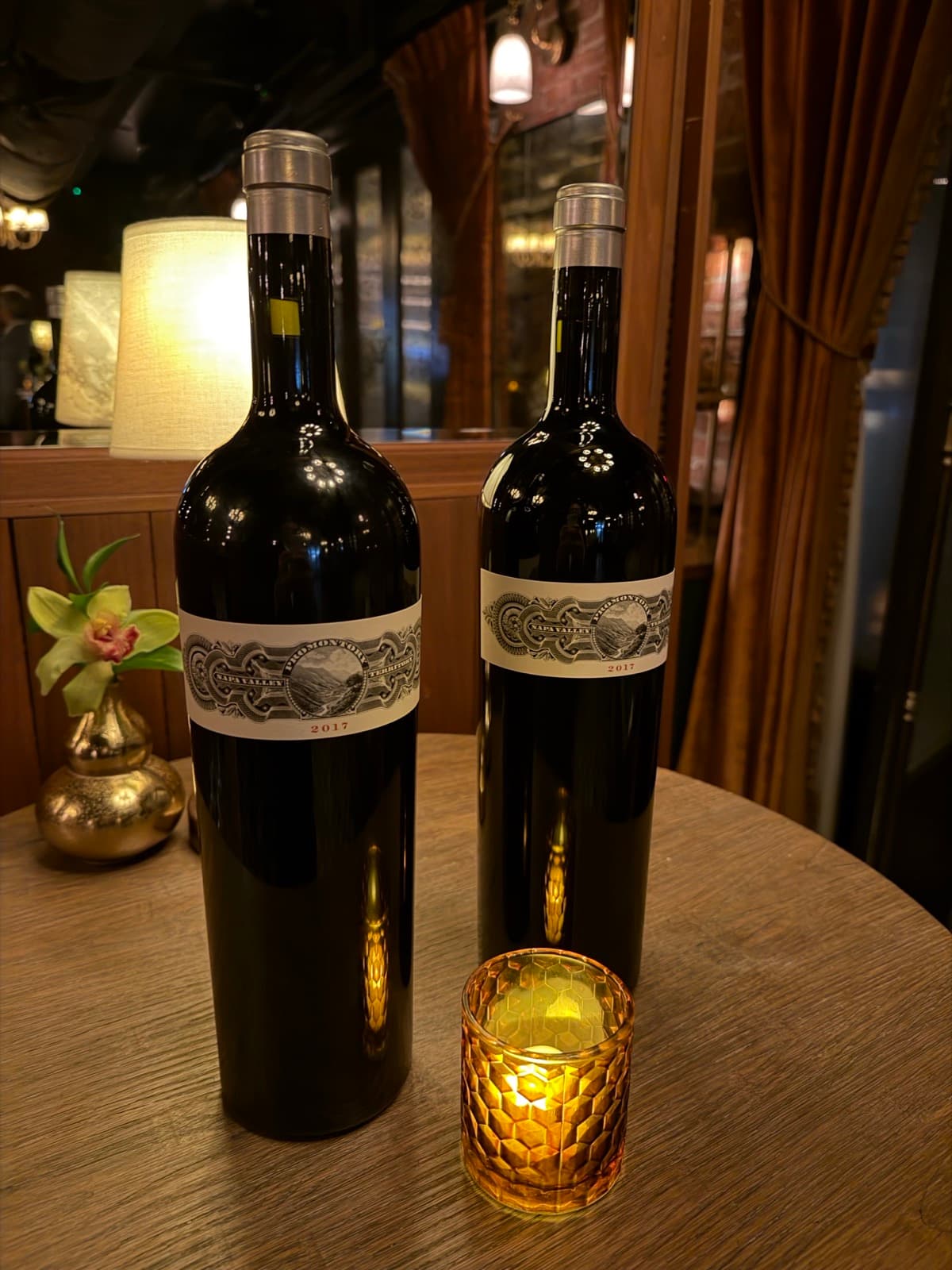
We know you are choosy about your wine, but Selara Sommelier isn't choosy about your photos — it reads label information accurately despite low lighting in restaurant settings. It can even handle faded handwritten labels. 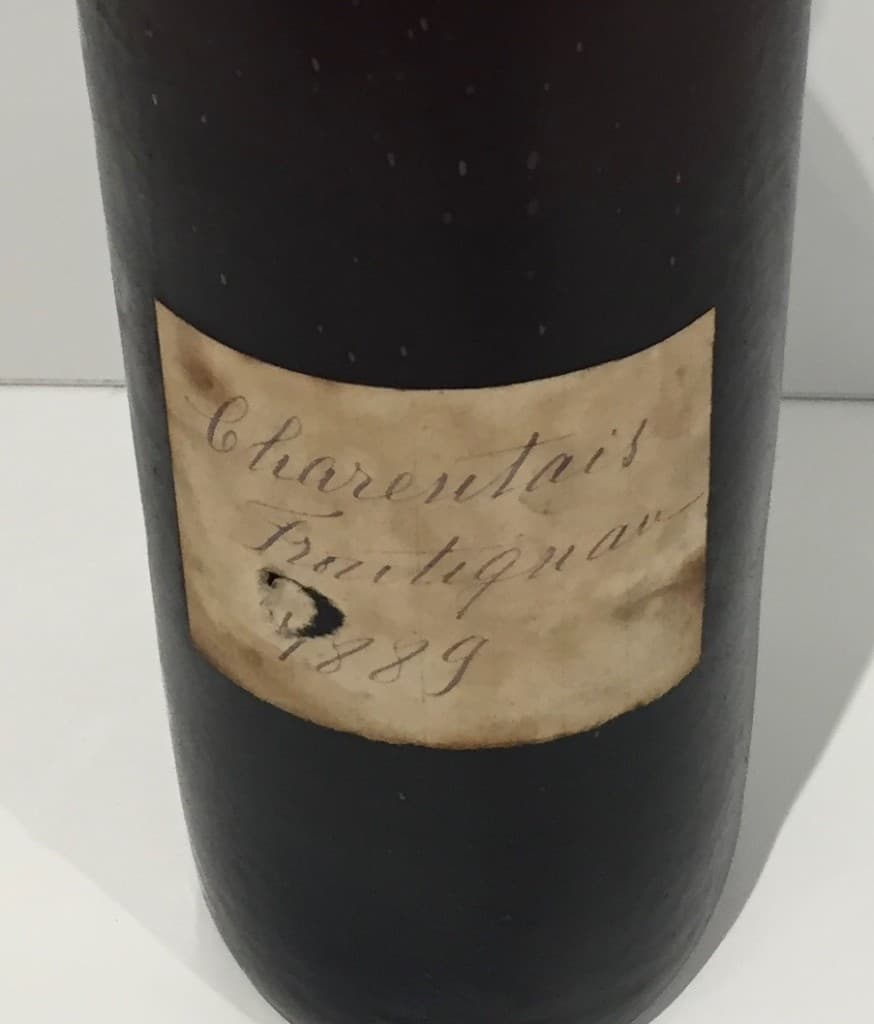
Step 2
Have Selara Sommelier Organize for You
Selara Sommelier organizes your collection however you like. The display is flexible and can be changed as your needs evolve. Want to sort by most expensive to least expensive bottles today, and by vintage tomorrow? Selara Sommelier makes it easy.
Learn more →
Step 3
Stage the occasion
Selara Sommelier is designed to make it easy to pull bottles for an occasion. Having a dinner party? Put aside some bottles and then later put back the ones you have not enjoyed. Selara Sommelier makes it easy.
Learn more →
Step 4
Let Selara Sommelier Assist You
Ask Selara Sommelier's built-in AI capabilities for views on which wines to drink now from your collection, and wines you might want to add. We know you have strong opinions about wine; let us help you become even more knowledgeable!
Learn more →